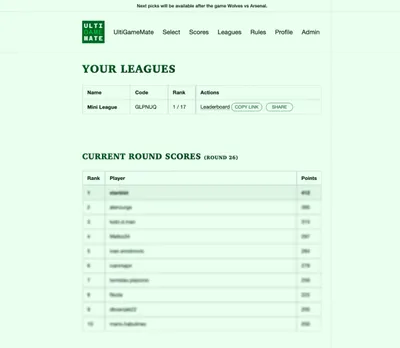
When I first stated building UltiGameMate, I meant to learn Svelte or some other similar framework. Soon I realized it's not for me.
Then I decided to switch to something more familiar to my skillset - JAMstack.

Eleventy
For many years, Eleventy is my most favorite framework. It is lightweight and it is easy to configure. Adding new features is also pretty seemless.
For this project, I needed a few public pages that all visitors could consume as well as a few pages under the login.
I decided to use Liquid as a templating language since it is my default choice for ages.
Supabase
I heard about Supabase but I never used it. It has everything I needed for the project: OAuth provider, Edge functions, and the most importantly, the database.
For static data like banner content, leaderboard, and clubs, I'm using EleventyFetch. EleventyFetch stores the data locally and it is available in every part of web app. That makes it easier to display the information without additional requrest.
For dynamic data, like picks and boosts, I'm using JavaScript Client Library. That means for all the dynamic stuff in the app, like authentification, user's scores, or selecting matches, I'm using a client side code that communicates with the database. I've built skeletons so users know they have to wait for interface before they could consume it or interact with it.
Gallery
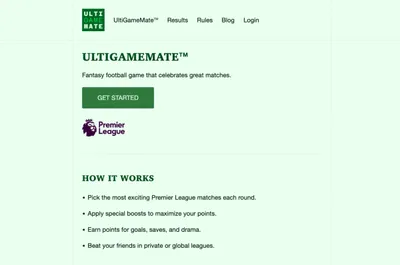
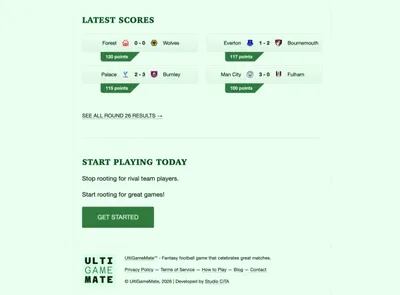
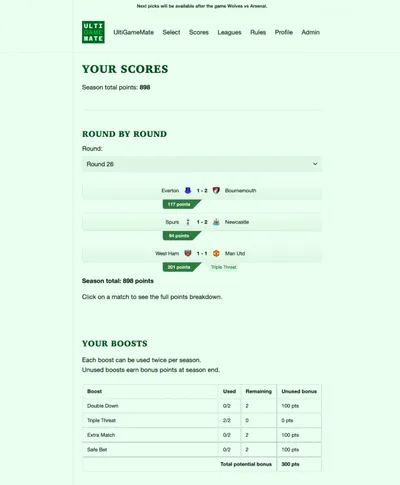
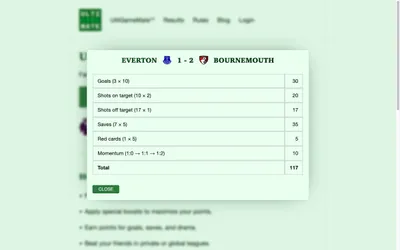
Here's a gallery of how the application looks: